Remote work has shifted from a temporary arrangement to a permanent fixture for millions of professionals worldwide. Whether you are a seasoned remote veteran or new to working from home, building a reliable productivity system is essential for long-term success. Without the structure of a traditional office, it is easy to lose focus, blur boundaries between work and personal life, or feel disconnected from your team.
This guide covers the practical strategies that actually make a difference: setting up your workspace, managing your time, communicating with colleagues, and taking care of your well-being. These are not theoretical ideas pulled from productivity blogs. They are tested approaches used by remote professionals across industries. By the end, you will have a clear framework to design a remote work routine that fits your specific situation.
Setting Up a Dedicated Workspace at Home
Your physical environment directly affects your ability to focus. Working from the couch or bed might feel comfortable for an hour, but over weeks and months, it leads to poor posture, reduced concentration, and lower energy levels. A dedicated workspace signals to your brain that it is time to work, creating a mental boundary between professional and personal life.
Start with the essentials: a desk at a comfortable height, a supportive chair, and adequate lighting. Position your screen at eye level so you are not straining your neck. A laptop stand or a stack of books can lift your screen to the correct height. Natural light is ideal, but a desk lamp with adjustable brightness works well for darker rooms.
If you share your home with others, establish clear expectations about your workspace. A simple signal, like a closed door or a small sign, helps people know when you are in focus mode. Even in small apartments, a designated corner with a room divider can create the separation you need.
Building a Consistent Daily Routine

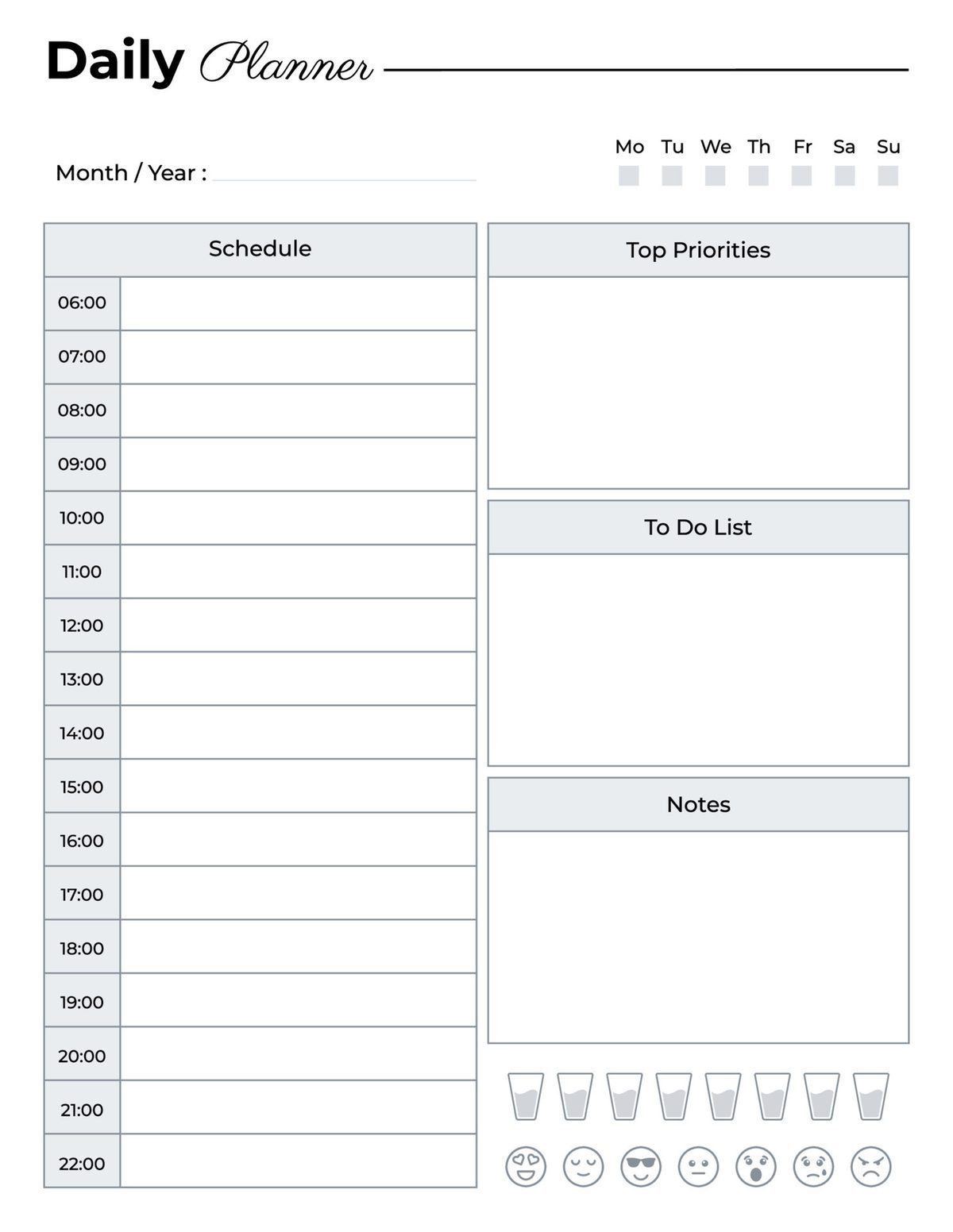
One of the biggest challenges of remote work is the lack of natural structure. In an office, your commute and scheduled meetings create a rhythm. At home, you need to build that rhythm yourself. A consistent daily routine is the most effective productivity tool for remote workers.
Start by setting a regular wake-up time and morning ritual. Even fifteen minutes of stretching, making coffee, and reviewing your task list prepares your mind for focused work. Avoid the temptation to roll out of bed and open your laptop immediately, as that habit blurs the transition between rest and work, leading to mental fatigue by midday.
Structure your day around your natural energy levels. Most people experience peak focus in the late morning, a post-lunch dip, and a secondary energy window in the late afternoon. Schedule your most demanding tasks during your peak hours and save routine work like email for lower-energy periods. This approach, called time blocking, helps you work with your biology rather than against it.
Include regular breaks in your schedule. The Pomodoro Technique, which alternates 25-minute focused work sessions with 5-minute breaks, works well for many people. Others prefer longer blocks of 60 to 90 minutes followed by a 15-minute break. Experiment to find what works for you, but do not skip breaks entirely. Stepping away from the screen, even briefly, improves focus and prevents decision fatigue.
According to a study published in the Journal of Applied Psychology, employees who maintained consistent work routines and boundaries while working from home reported significantly lower stress levels and higher productivity than those who worked irregular hours.
Managing Distractions in a Home Environment
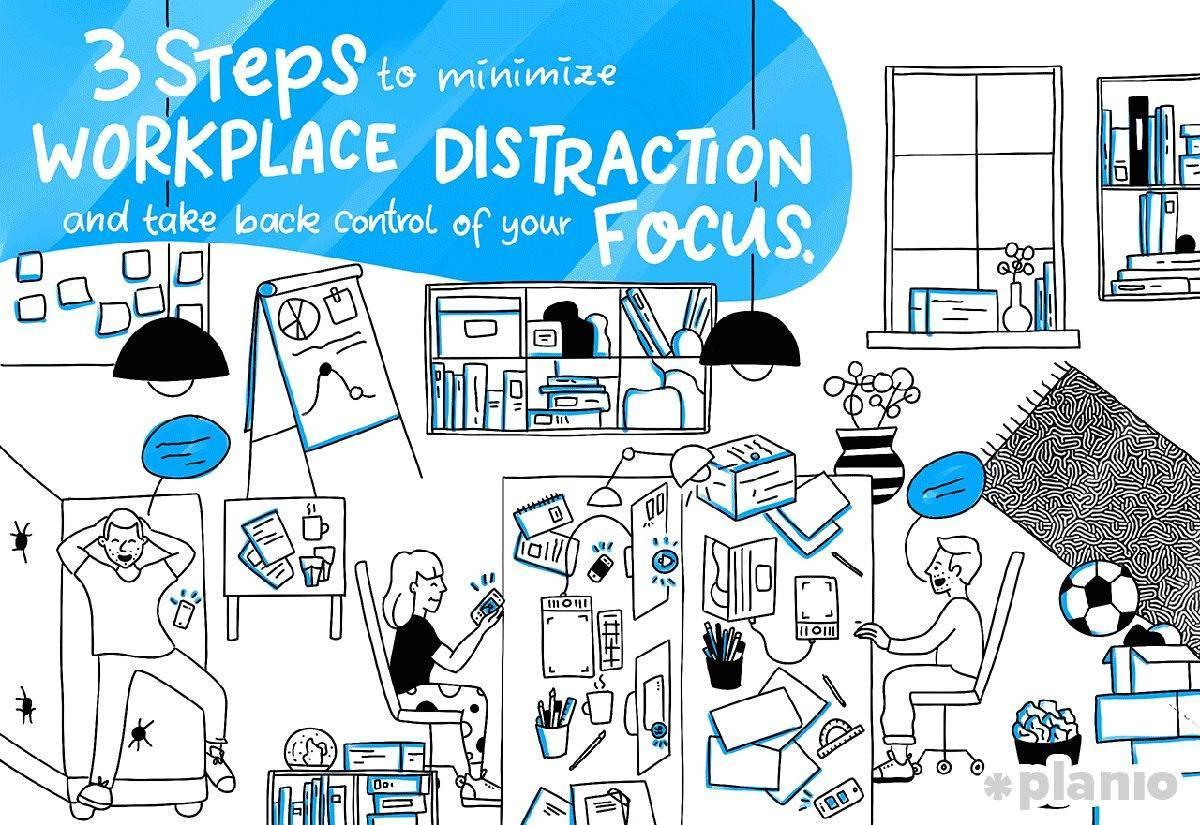
Distractions are the number one productivity killer for remote workers. The kitchen, television, phone notifications, social media, household chores, and family members all compete for your attention. Unlike an office where social pressure keeps you on task, working from home requires deliberate strategies to stay focused.
Start by identifying your personal distraction patterns. Do you reach for your phone every time you hit a difficult task? Do you open the refrigerator when you feel bored? Awareness is the first step toward change. Once you recognize your patterns, you can put systems in place to reduce temptation.
Use website blockers or app timers during your deep work blocks. Keep your phone in another room or face down on silent. The simple act of making distraction less convenient reduces the frequency of attention breaks significantly.
Set boundaries with household members by agreeing on do-not-disturb hours. Many remote workers find that noise-canceling headphones or instrumental background music helps maintain concentration in shared spaces. White noise playlists also work well for blocking out household sounds.
One often overlooked strategy is managing internal distractions. When unrelated thoughts pop up during work, keep a small notebook beside your keyboard. Write down the thought, then return to your task. This simple technique clears your mind without losing the thought entirely.
Communicating Effectively with Remote Teams

Communication is the backbone of successful remote work. When you cannot tap a colleague on the shoulder or gather around a whiteboard, you need intentional communication practices to keep projects moving and relationships strong. Poor communication is the most common reason remote teams struggle with coordination and trust.
Over-communicate rather than under-communicate. In a physical office, casual conversations and body language fill in many gaps. Remotely, those cues disappear. Write clear updates, share your progress regularly, and ask clarifying questions early. When assigning tasks, include deadlines, expected outcomes, and the reasoning behind the request.
Choose the right channel for your message. Quick questions belong in instant messaging. Complex discussions and project updates deserve a video call or detailed document. Avoid the common trap of long threaded discussions in chat that could be resolved in a five-minute call. At the same time, avoid scheduling a meeting for every question.
Build social connection intentionally. Remote work can feel isolating without the casual interactions of an office. Schedule virtual coffee chats with teammates, participate in team standups, and use your camera during meetings when appropriate. Seeing faces builds trust and reminds everyone that there are real people behind the screens. Some teams use a dedicated chat channel for non-work conversation, sharing photos, recommendations, and personal updates.
As noted by the Harvard Business Review, teams that prioritize regular, structured communication and social connection report 30 percent higher collaboration satisfaction compared to teams that communicate only when necessary.
Using the Right Tools and Technology

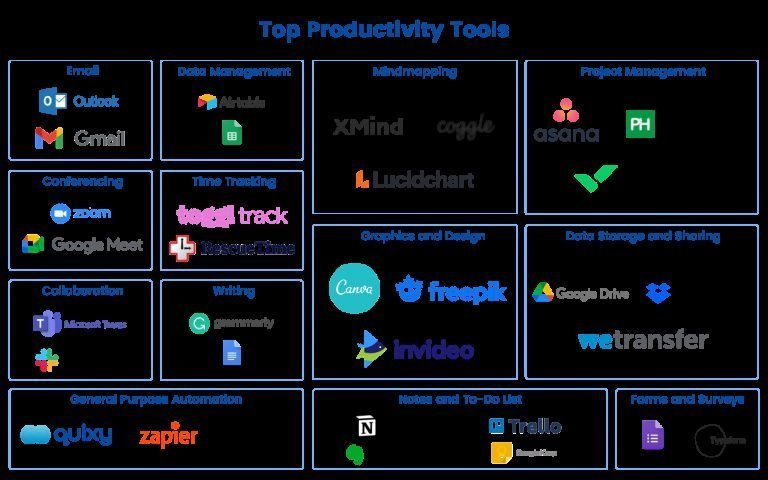
The right tools can make or break your remote work experience. The goal is not to accumulate the largest collection of apps, but to choose a small set of reliable tools that cover your essential needs: communication, project management, file sharing, and time tracking.
For team communication, platforms like Slack or Microsoft Teams serve as the digital office. Create dedicated channels for different projects and topics to keep conversations organized. Use status indicators to signal availability and respect teammates focus time by avoiding non-urgent messages during blocked hours.
Project management tools like Trello, Asana, or Notion help track tasks, deadlines, and progress. Choose one tool and use it consistently with your team. The most important factor is not which tool you pick, but that everyone uses it the same way. Agree on conventions for status labels, priority levels, and update frequency.
Cloud storage and document collaboration tools are non-negotiable for remote work. Google Workspace, Microsoft 365, or Dropbox allow team members to access and edit files from anywhere without version confusion. Set clear folder structures and naming conventions so everyone can find what they need without asking.
A reliable internet connection is your most critical piece of infrastructure. Invest in a quality router, position it centrally in your home, and consider a backup hotspot or secondary connection for emergencies. A wired Ethernet connection provides more stable speeds than Wi-Fi for video calls and large file transfers. Test your connection speed and audio quality before important meetings rather than troubleshooting during them.
Staying Productive Without Burning Out
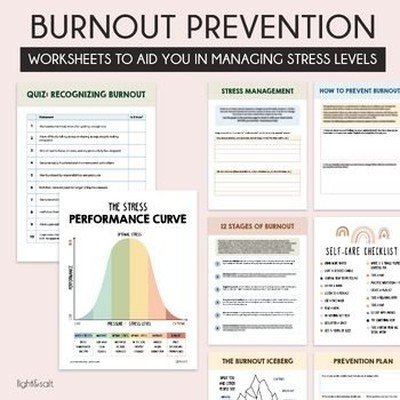
Remote work blurs the line between work and rest. Without a physical commute to mark the transition, many remote workers find themselves working longer hours than they ever did in an office. The result is a growing epidemic of burnout among remote professionals. Protecting your energy is not optional; it is essential for sustainable productivity.
Set hard boundaries around your working hours. Decide when your workday starts and ends and stick to those times as consistently as you would with an office schedule. When the workday ends, close your laptop, put it away, and do not check email or messages until the next morning. This separation is critical for mental recovery.
Move your body throughout the day. Sitting for eight consecutive hours is harmful regardless of how productive you are. Stand up and stretch every hour. Take a short walk during lunch. A standing desk allows you to alternate between sitting and standing. Physical movement improves circulation, reduces muscle tension, and refreshes your mind for better focus.
Watch for early signs of burnout: persistent fatigue, irritability, difficulty concentrating, or a sense of detachment from your work. These signals are your body telling you that something needs to change. When you notice them, take a step back. Adjust your schedule, delegate tasks, or take a mental health day. Ignoring these signs only deepens the problem.
Occupational burnout is recognized by the World Health Organization as an occupational phenomenon resulting from chronic workplace stress that has not been successfully managed. Treat it with the same seriousness as any other health concern.
Maintaining Work-Life Balance

Work-life balance looks different for everyone, but the core challenge is the same: how do you ensure that work does not consume your personal time and that personal responsibilities do not constantly interrupt your work? Remote work makes this balance harder because both worlds exist in the same physical space.
Create separation rituals that bookend your workday. A morning routine with a short walk or proper breakfast prepares you for the work ahead. An end-of-day ritual, such as shutting down your computer or changing clothes, signals to your brain that work is finished. These are simple but powerful psychological anchors.
Dedicate your workspace exclusively to work if possible. When you leave that space at the end of the day, leave work behind too. If you work at your kitchen table, pack your laptop and materials away at the end of each day. The physical act of putting work away reinforces the mental separation.
Schedule personal activities with the same commitment as work meetings. Add gym time, family dinner, hobby time, and social events to your calendar. When these activities are scheduled, they are harder to skip or postpone. Your personal time is as important as any project deadline.
Learn to say no to meetings and requests that do not align with your priorities. Just because you work from home does not mean you are always available. Set clear expectations with your team about your response times and availability. Most colleagues will respect boundaries communicated clearly and consistently.
Advancing Your Career While Working Remotely

A common concern about remote work is that being out of sight means being out of mind for promotions and career growth. While visibility is different in a remote environment, it is still possible to advance your career with intentional effort. The key is to be proactive about your professional development and visibility.
Schedule regular one-on-one meetings with your manager focused on your career growth, not just project status. Discuss your goals, ask for feedback, and identify skill gaps. Preparing an agenda and following up with notes shows initiative and makes it easier for your manager to advocate for you.
Take ownership of your professional development. Online learning platforms like Coursera, Udemy, and LinkedIn Learning offer courses in virtually every field. Many employers provide learning budgets or subscriptions. Set aside dedicated time each week for skill development, even if it is just 30 minutes. The consistency matters more than the duration.
Build your internal network by reaching out to colleagues in other departments for virtual coffee chats. Volunteer for cross-functional projects and participate in company-wide meetings. The relationships you build today create opportunities tomorrow.
Document your accomplishments and share them with your manager. Remote managers cannot see your daily wins the way they would in an office. Keep a running list of completed projects, positive client feedback, and metrics that demonstrate your impact. Share this during performance reviews so your contributions are visible and measurable.
For additional career development resources, visit Career Compass, which offers in-depth guides on professional growth, resume building, and interview preparation.
Frequently Asked Questions
How do I stay motivated while working from home every day?
Staying motivated starts with structure. Set a consistent schedule, create a dedicated workspace, and break your day into focused blocks with clear goals. Connect your daily tasks to larger professional objectives so you understand why each task matters. Regular social interaction with colleagues, even virtual, also helps maintain motivation. If motivation dips persistently, evaluate whether your workload, role, or work environment needs adjustment.
What equipment do I need for a productive home office?
The essentials include a stable desk, a supportive chair, adequate lighting, a reliable computer, and noise-canceling headphones if you work in a shared space. A second monitor significantly boosts productivity for most knowledge workers. A quality webcam and microphone ensure you are seen and heard clearly in meetings. A wired internet connection provides more stable video call performance than Wi-Fi.
How do I avoid distractions when working from home?
Start by identifying your most common distractions and removing them proactively. Use website blockers during focus hours, keep your phone in another room, and set clear boundaries with household members. Use the two-minute rule: if a distraction takes less than two minutes to handle, deal with it quickly and return to work. For larger interruptions, write them down and schedule time later to address them. Noise-canceling headphones and background music or white noise can help maintain focus in noisy environments.
How can I separate work from personal life when both happen at home?
Create separation rituals that mark the beginning and end of your workday. A morning routine, changing into work clothes, and shutting down your computer at a fixed time all reinforce the boundary between work and personal time. If possible, use a dedicated room or corner exclusively for work. When the workday ends, physically leave that space or pack away your equipment. Schedule personal activities on your calendar with the same commitment as work meetings.
What are the best strategies for communicating with a remote team?
Over-communicate rather than under-communicate. Write clear updates, use specific subject lines, and include deadlines and context in every task assignment. Choose the right channel for each message: quick questions in chat, complex topics in a video call or document. Schedule regular check-ins and one-on-one meetings. Build social connection through virtual coffee chats and non-work conversation channels. Use your camera during meetings to build trust and engagement.